
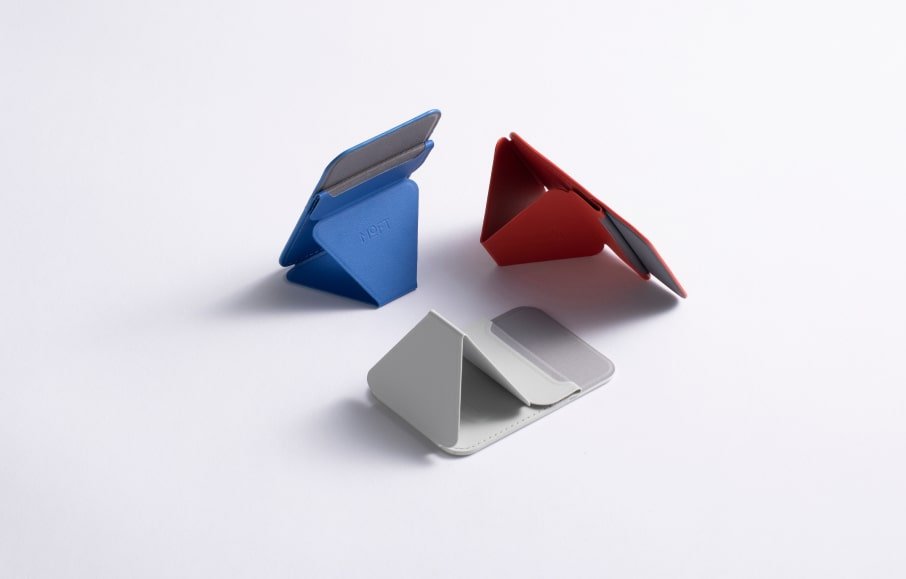
No, a magnetic phone holder won’t damage your iPhone on its own. Apple builds magnets into every iPhone 12 and newer for MagSafe, so the phone is made to hold a magnetic grip. Older iPhones and cheap unshielded magnets are where the real risk sits.
Quick answer: magnetic holders and your iPhone
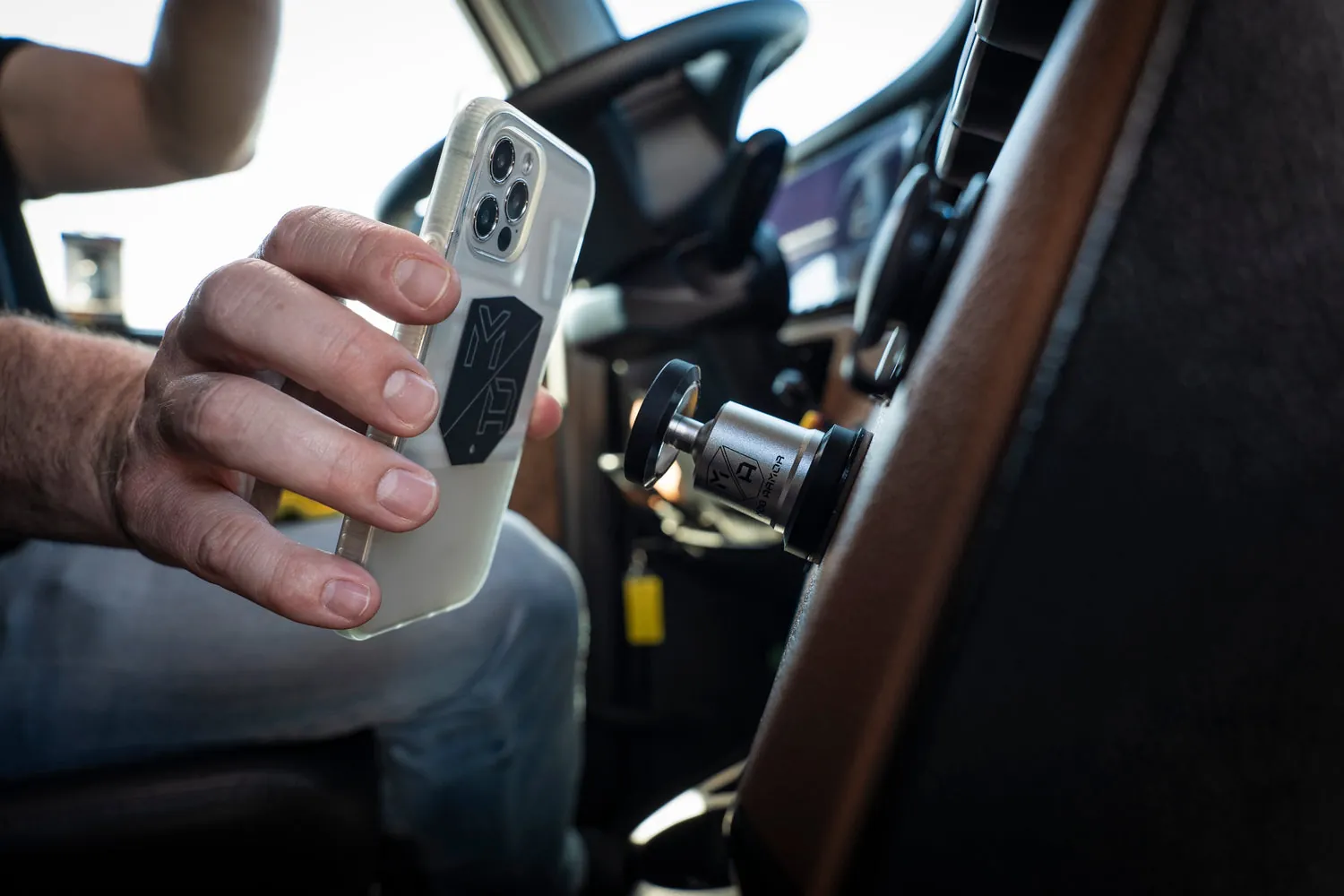
- MagSafe iPhones (12 and newer) are designed for magnetic mounts, so daily use won’t hurt them.
- iPhone 11 and older have no magnet array, so a magnetic mount needs a metal plate or ring stuck to the phone or case.
- A strong magnet can wipe a hotel key card, a credit card strip or a mechanical watch — keep those away from the mount.
- Magnets don’t erase flash storage, so your photos, apps and messages are safe.
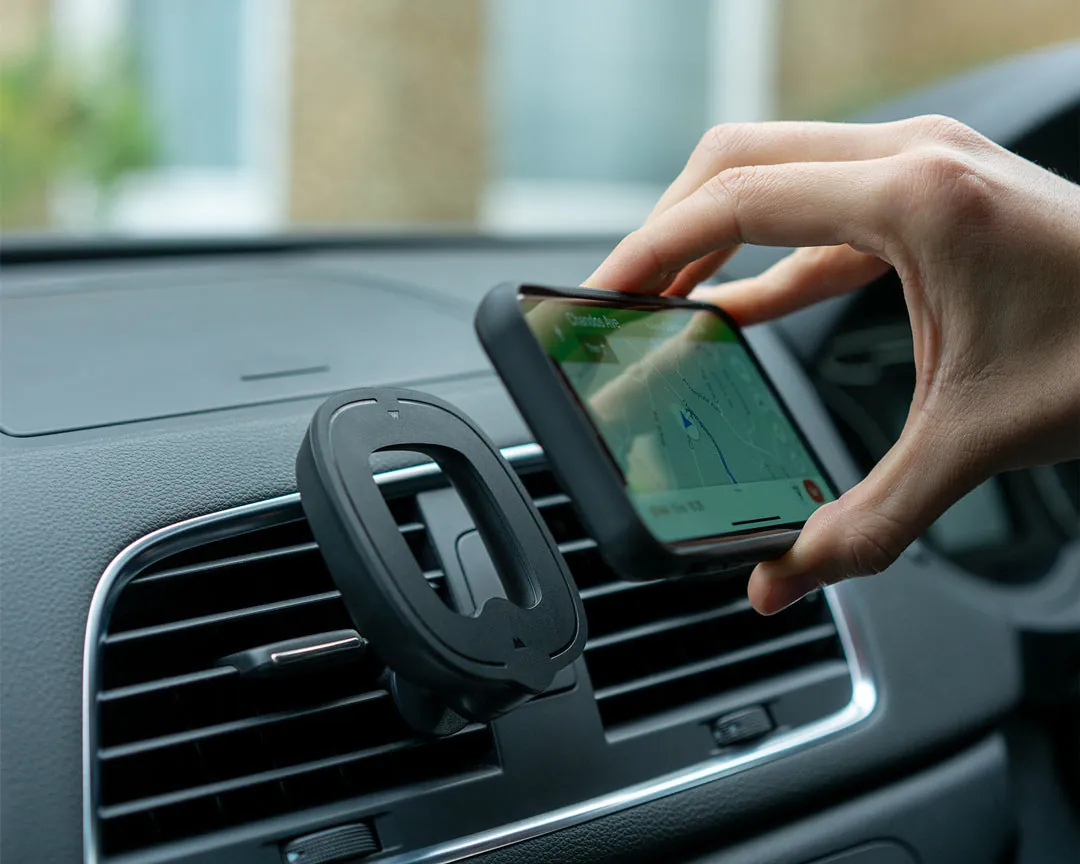
- Heat is the bigger worry: a phone in direct sun on a dashboard mount can trigger a temperature warning and slow charging.
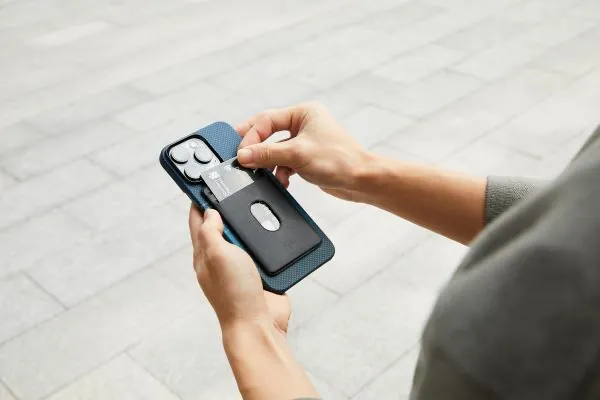
- If you use a wallet case, remove the cards before mounting, or the magnetic strip can demagnetize over time.
Why magnets don’t hurt a modern iPhone
Apple put a ring of magnets inside the iPhone 12 and every model after it. That ring is the MagSafe array, and it’s there so accessories snap on and line up.
The storage inside an iPhone is flash memory, which stores data as electrical charge, not magnetic fields. If you want the official detail, Apple’s MagSafe accessory design guidelines explain how third-party magnets are meant to interact with the phone.
Signal and the compass are the other common worry. A magnet sitting on the back can pull the compass reading off while it’s attached. Move the phone off the mount and the compass resets.
When a magnetic holder is the wrong choice
A few setups change the answer. If your phone is an iPhone 11 or older, there’s no magnet ring inside, so a bare magnetic mount won’t grip at all — you’ll need a metal plate. If you carry a pacemaker, keep the phone and any strong magnet at least 6 inches from the device, which is the distance Apple itself advises in its iPhone safety guidance.
| Situation | What changes | What to do instead |
|---|---|---|
| iPhone 11 or older | No built-in magnets | Add a metal ring or plate |
| Wallet case with cards | Strips can demagnetize | Remove cards before mounting |
| Pacemaker or ICD | Magnets can interfere | Keep 6 inches away |
| Dashboard in direct sun | Heat triggers warnings | Use a vent or shade mount |
| Thick or non-MagSafe case | Grip gets weak | Use a MagSafe-certified case |
| Wireless charging pad | Magnet may block alignment | Remove the mount first |
How to mount it without problems
- Check your iPhone model first. If it’s a 12 or newer, skip the plate; if it’s older, peel the backing off a metal ring and press it centered on the back.
- Clean the phone or case with an alcohol wipe and let it dry for 30 seconds, so the adhesive ring actually sticks.
- Place the ring centered on the back of the phone, aligned with where the MagSafe magnet array sits.
- Press and hold the ring for 30 seconds, then let the adhesive set before mounting the phone.
- Attach the mount to the vent or dashboard and tighten it by hand — don’t overtighten, or you’ll crack the vent slats.
- Snap the phone on and give it a gentle tug. If it slides or drops, the case is too thick or the ring is off-center.
- Keep the mount out of direct sun. If the phone shows a temperature warning, move it to a shaded spot and let it cool before charging.
Mistakes that cause real damage
- Using a cheap unshielded magnet. A raw neodymium magnet with no shielding can grip much harder than a MagSafe mount and may interfere with the compass or MagSafe alignment.
- Sticking a metal plate directly on the phone. The plate blocks wireless charging and traps heat against the glass, which is worse for the battery than the magnet ever was.
- Leaving cards in a wallet case. A magnetic strip held against a strong magnet can lose its data, and you won’t notice until the card fails at a till.
- Mounting over a camera bump. The phone sits at an angle, the grip weakens, and a drop onto a hard floor cracks the screen.
- Ignoring heat warnings. Charging a hot phone on a sunny dashboard is what actually shortens battery life, not the magnet.
Frequently asked questions
Do magnetic phone holders damage iPhone batteries?
No, the magnet itself doesn’t touch the battery. Heat does the damage, and a phone left in direct sun on a dashboard can hit the temperature limit Apple sets. Keep the mount shaded and you won’t see battery harm.
Can a magnet erase my iPhone data?
No. iPhones use flash storage, which isn’t affected by magnetic fields. Your photos, messages and apps stay safe. The old magnet warning applies to hard drives and credit card strips, not phone memory.
Is it safe to use a magnetic holder with a pacemaker?
No, keep your distance. Apple advises keeping iPhone and MagSafe accessories at least 6 inches from a pacemaker or implanted defibrillator, and more than 12 inches when charging wirelessly. Ask your cardiologist if you’re unsure.
How strong a magnet is safe for an iPhone?
Any magnet sold as a MagSafe-compatible mount is fine, because it’s built to match Apple’s own array. A raw industrial magnet is not. If the mount needs a plate on an older iPhone, use the thin ring that comes with it, not a bare magnet.
Does a magnetic holder affect GPS or signal?
No, GPS, Wi-Fi and cell signals don’t rely on magnets. The compass is the only sensor that reads off while the phone is attached, and it corrects itself once you remove the phone from the mount.
Will a magnetic mount work through a phone case?
Only if the case is thin and MagSafe-certified. A thick or non-MagSafe case can weaken the grip enough that the phone may slide off on a bump. Check by snapping the phone on and giving it a firm tug.
How do I know if my iPhone has MagSafe?
Check the model. Every iPhone 12 and newer has the magnet ring built in. If you have an iPhone 11, X, 8 or older, you’ll need a metal ring or plate to use a magnetic mount at all.